How to Ship a Production-Ready MVP in 6 Weeks
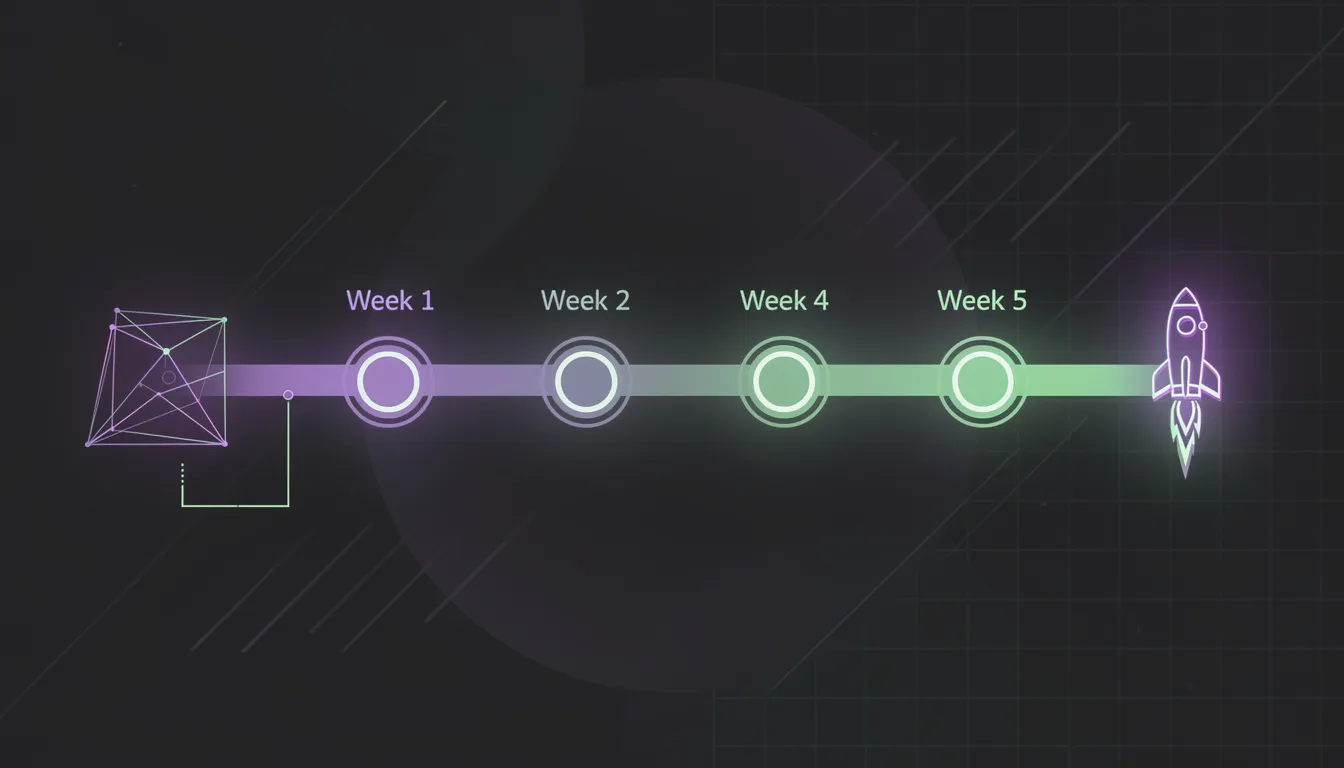
Most MVPs take three to six months because scope creep kills them before they ship. Not technical complexity — scope creep. A founder adds one feature because a potential customer mentioned it. Then another because a competitor has it. Then a third because it "would only take a day." Three months later, the product still is not live, the initial insight has gone cold, and the team is exhausted.
Six weeks is enough time to build, test, and deploy a production-ready MVP — if you make the scope decisions clearly before you write the first line of code, and if you use the right technical shortcuts in the right places.
Here is exactly how that works.
The 6-Week Sprint Structure
Week 1: Architecture and Foundation
No feature code in week one. This week is for decisions that are expensive to change later.
Set up the project skeleton: repository, CI/CD pipeline, environment configuration, deployment targets. Configure your database schema for the core entities. Define the data model — not every table you will ever need, but the central objects that every feature touches. A wrong decision here compounds for the rest of the project.
Implement authentication. Using Supabase Auth or Clerk means this is half a day of work, not a week. Get users signing up and logging in before building anything else.
End of week 1 deliverable: a deployed (staging) application where a user can create an account and reach an empty dashboard. That is the foundation everything else builds on.
Week 2: Core Feature — Happy Path Only
Build the single most important thing your product does. Not the full feature set — the happy path of the primary use case. If you are building a project management tool, this is creating a project and adding tasks. If you are building an invoicing tool, this is creating and sending an invoice.
No edge cases. No error states beyond basic validation. No nice-to-haves. The question for every feature request this week: "Does this need to exist for a user to complete the primary action?" If not, it goes on the backlog.
End of week 2: a user can complete the core workflow end-to-end.
Week 3: Secondary Features and Data Persistence
Add the supporting features that make the core workflow genuinely useful. List views, search, basic filtering, notifications for critical events. These are not features for their own sake — they are what makes the core workflow repeatable and manageable.
This is also the week to add proper data integrity: foreign key constraints, input validation on the server side, basic error handling that surfaces something useful to the user rather than a generic "something went wrong."
Week 4: Payments and Billing (if applicable)
If your MVP has a paid tier, implement payments in week 4 — not week 6. Stripe integration takes time to get right: webhook handling, subscription state management, the edge cases around trial periods, failed payments, and cancellations. Leaving this to the end creates a crunch that leads to bugs in your most sensitive code path.
Week 4 is also when you add the billing-related features: usage limits for free tier users, upgrade prompts, the customer-facing billing page.
Week 5: Polish and Performance
The core product works. Now make it work reliably. This week focuses on: loading states and skeletons so the UI never looks broken, error boundaries that catch unexpected failures gracefully, performance improvements for any slow queries identified in testing, and mobile responsiveness if your users will be on mobile.
Implement basic monitoring: Sentry for error tracking, PostHog or basic analytics for understanding user behavior. These are half-day integrations that give you visibility into what is happening after launch.
Week 6: Testing, Security Review, and Launch Preparation
Write tests for auth, payments, and any code path involving money or sensitive data. Not comprehensive coverage — targeted tests for the flows where a bug would be catastrophic. This is not optional.
Conduct a security review: are your Row Level Security policies correct? Is user input properly sanitized? Are API endpoints protected? Have you reviewed your environment variables and ensured nothing sensitive is in the repository?
Prepare your launch: onboarding email sequence, documentation for the core workflow, a way to collect early user feedback. Deploy to production. Ship.
Scope Rules That Keep You On Track
The one-sentence problem statement. Write it before writing any code: "This product helps [specific user] do [specific thing] without [specific friction]." Every feature request during development gets filtered against this. If it does not directly serve the statement, it waits.
The "week 8 feature" label. When a feature is good but not essential, label it "week 8" instead of rejecting it. This is psychologically easier for everyone and keeps a record of good ideas without letting them into the current sprint.
No admin panel in the MVP. Unless your product is a tool for administrators, skip the admin panel. Do database queries directly or use Supabase's built-in table editor during the MVP phase. An admin panel is a product in itself.
No multi-tenancy complexity if you have individual users. Organizations, team management, role-based permissions, and invitation flows can all wait unless the core use case is inherently collaborative. These features triple the complexity of your data model.
Technical Shortcuts That Are Worth Taking
Use a PaaS instead of raw cloud infrastructure. Supabase, Railway, and Vercel abstract away the infrastructure work that has nothing to do with your product. You do not need to configure load balancers, manage container orchestration, or set up VPCs for an MVP. Use managed services, ship faster, scale the infrastructure when you have users who demand it.
Use off-the-shelf auth, payments, and email. These are solved problems with excellent, production-battle-tested solutions. Building them yourself in an MVP timeline is a schedule risk with no upside.
Use template UI components. shadcn/ui gives you accessible, polished UI components that work immediately. The time you save not building a date picker or a modal from scratch is time spent on product-specific code.
Copy and adapt. If a pattern you need exists in the library's documentation or a public example, use it. An MVP is not the time to invent new patterns.
Technical Shortcuts That Will Hurt You Later
Not every shortcut is recoverable. These are the corners you must not cut, regardless of timeline pressure:
Tests for auth, payments, and data integrity. A bug in authentication can expose one user's data to another. A bug in payments can charge users incorrectly or fail to gate premium features. These are not acceptable failure modes, and the tests that prevent them are not optional.
Basic monitoring. If you do not have error tracking in production, you are flying blind. Sentry takes less than an hour to set up. There is no excuse not to have it live on launch day.
Data model flexibility. The data model you choose in week 1 should be designed for change. Avoid deeply nested JSON blobs in your database schema. Use proper foreign keys. Keep your schema normalized enough that you can add columns and tables without a migration nightmare. This is not about over-engineering — it is about ensuring that the first user feedback does not require a full data migration to act on.
Environment separation. Development, staging, and production environments must be separate from day one. Using production database credentials in development is a mistake that eventually costs you data.
A Real Example: What 6 Weeks Looks Like
A recent project: a B2B SaaS tool for contract review. The core workflow — upload a contract, get a structured summary with risk flags, download or share the report.
Week 1: Supabase project, Next.js app deployed to Vercel, auth with Supabase Auth, basic user dashboard shell.
Week 2: File upload to Supabase Storage, document parsing pipeline, integration with GPT-4 for extraction, structured output displayed in UI.
Week 3: Contract history view, search by filename/date, basic sharing via link, email notification when analysis is complete.
Week 4: Stripe integration, free tier (3 documents/month), paid plan, upgrade flow, billing portal.
Week 5: Loading states throughout, mobile layout, Sentry integration, performance tuning on the analysis pipeline.
Week 6: Test suite for auth and payment flows, security review of RLS policies, onboarding email, production deployment.
Launch date: exactly 41 days after kickoff. The product was imperfect in many ways. But it was live, it processed real contracts for real users, and the feedback from those first users shaped the next two months of development far more accurately than any speculation could have.
Six weeks is achievable. The constraint is not time — it is the discipline to say no to everything that is not essential until the product is in users' hands.
If you are planning an MVP and want to talk through what the first version should and should not include — and what the realistic timeline looks like for your specific use case — book a scoping call.
Written by Mehdi Yatrib — Indie Maker & Consultant based in Casablanca, Morocco.
Work with me on Software Development