Building a Customer Support Chatbot with Your Own Data
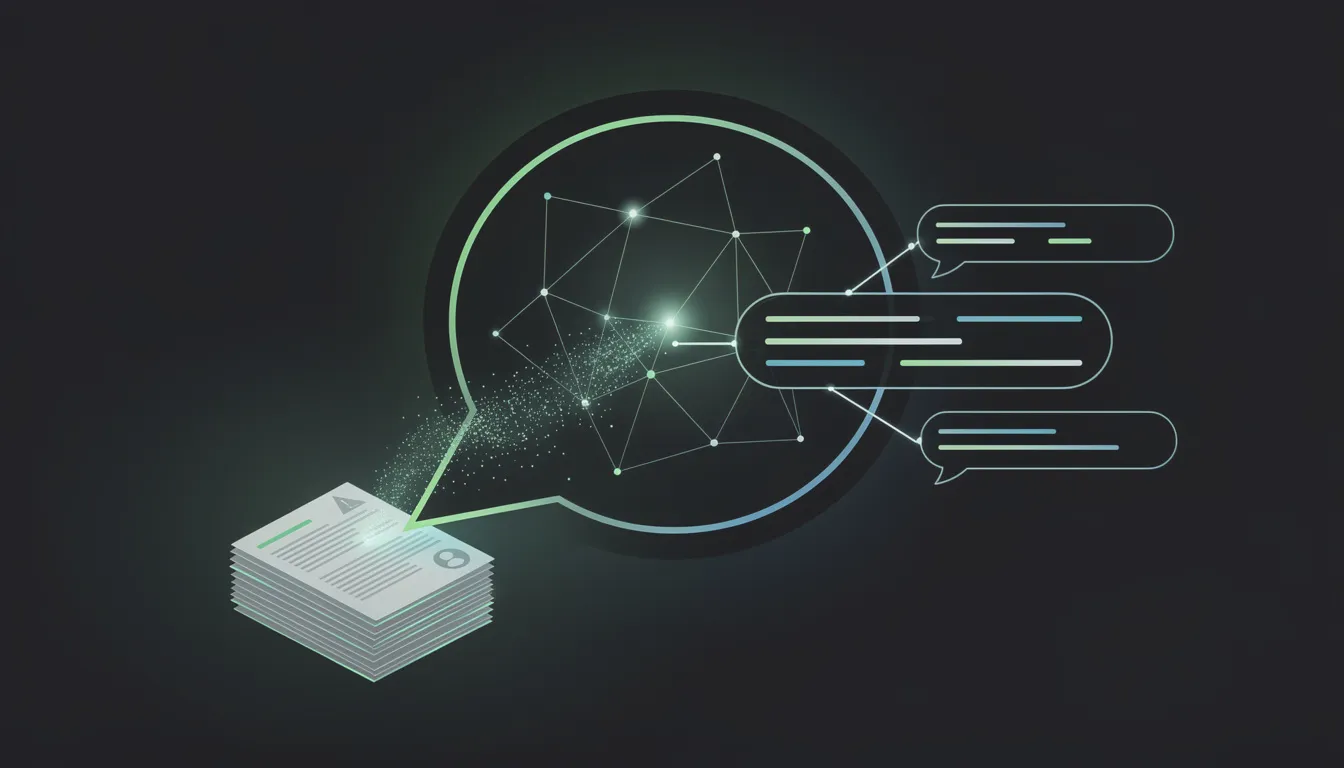
Generic chatbots give generic answers. Ask a standard AI assistant about your product's cancellation policy and it will either hallucinate something plausible or admit it does not know. Neither is useful to a user who needs help right now.
A support bot trained on your actual documentation — your help center, your FAQs, your product guides, your policy pages — can answer questions accurately, in your brand's voice, and at a fraction of the cost of human support volume. The technology to build this is accessible, reliable, and deployable in days, not months.
This is how it works.
Why Generic Chatbots Fail for Support
The failure mode of generic AI in a support context is predictable: the model knows nothing about your product. When a user asks "how do I export my data as a CSV?" or "what happens to my subscription if I downgrade?", a base LLM has two options: generate a plausible-sounding answer that may be completely wrong, or admit it does not know. Both outcomes erode user trust.
The second failure mode is consistency. Your support brand voice — the tone, the level of formality, the way you handle frustrated users — exists in your human support team's collective approach. A generic AI assistant has none of that context.
The solution to both problems is the same: give the model your data. A RAG (Retrieval-Augmented Generation) architecture allows GPT-4 to answer questions based specifically on your documentation, without ever fabricating information your docs do not contain. When a user asks something outside the scope of your documentation, the bot can say so honestly — and escalate.
The Architecture
A production-ready support chatbot has three technical components: document ingestion, a vector database, and a query pipeline.
Document Ingestion
The first step is getting your existing content into a format the system can use.
Source documents typically include: help center articles, FAQ pages, product documentation, policy documents, onboarding guides, and high-quality historical support ticket resolutions.
Text extraction: For web-based help centers (Zendesk, Intercom, Notion), use their APIs to export article content as plain text or markdown. For PDF documents, use a library like pdf-parse (Node.js) or pdfminer (Python) to extract text. Strip HTML tags and normalize whitespace before processing.
Chunking: Documents need to be split into chunks that are small enough to fit within the context window but large enough to be semantically coherent. A chunk size of 500-800 tokens with a 100-token overlap between consecutive chunks is a reasonable starting point. The overlap ensures that information at chunk boundaries is not lost. For structured documents like FAQs, chunk by individual question-answer pair rather than by token count.
Embedding: Each chunk is converted into a vector embedding using an embedding model. OpenAI's text-embedding-3-small model produces high-quality embeddings at low cost. Send each chunk to the Embeddings API and receive a 1536-dimensional vector that represents the semantic content of that chunk. Store the vector alongside the original text and metadata (source URL, document title, last updated date).
Vector Database
Embeddings are stored in a vector database that enables similarity search — finding the chunks most semantically similar to a given query.
Supabase with pgvector is the recommended choice for most support bot implementations. If you are already using Supabase as your application database, adding pgvector support is a single SQL command (CREATE EXTENSION vector). You create a table with a vector(1536) column, insert your embeddings, and run similarity searches with a cosine distance query. For most support bots handling a few thousand documents, this is performant and operationally simple.
Pinecone is appropriate for larger scale — hundreds of thousands of documents, high query volume, or requirements for multi-tenancy at the vector store level. It is a managed service purpose-built for vector search, with better performance at scale than pgvector but at additional cost and operational complexity.
Regardless of which vector store you use, add metadata filtering to your queries: filter by product area, language, content type, or last-updated date. This narrows the search space and improves retrieval relevance.
The Query Pipeline
When a user sends a message, the pipeline executes in sequence:
-
Embed the query. Convert the user's message to a vector using the same embedding model used during ingestion.
-
Retrieve relevant chunks. Query the vector database for the top 5-8 chunks most similar to the query embedding. Use cosine similarity as the distance metric. Apply any relevant metadata filters (e.g., restrict to the product area the user is currently in).
-
Build the prompt. Construct a prompt that includes: a system instruction defining the bot's role and tone, the retrieved chunks as context, the conversation history (last 4-6 turns), and the user's current message.
-
Generate the response. Send the prompt to GPT-4o (for highest quality) or GPT-4o-mini (for cost optimization at high volume). The model generates a response grounded in the retrieved context.
-
Return and log. Return the response to the user. Log the query, the retrieved chunks used, and the response — this data is essential for ongoing quality improvement.
A concrete prompt structure:
System: You are a helpful support assistant for [Product Name].
Answer questions using only the information provided in the context below.
If the answer is not in the context, say so clearly and offer to connect the user
with a human support agent. Do not make up information.

Context:
[Retrieved chunk 1]
[Retrieved chunk 2]
[Retrieved chunk 3]
...

Conversation history:
[Last 4 turns]

User: [Current message]
Building It Step by Step
Tools you will need:
- OpenAI API (embeddings + chat completions)
- Supabase (vector store + application database)
- Vercel AI SDK or LangChain (pipeline orchestration)
- Your existing help documentation
Approximate implementation timeline for a developer:
- Day 1: Set up Supabase pgvector, write ingestion script, embed and store all documentation
- Day 2: Build the query pipeline, write the system prompt, test retrieval quality
- Day 3: Build the chat UI component, integrate with your application
- Day 4: Handle edge cases, add escalation logic, add logging
- Day 5: Test with real support scenarios, tune retrieval, deploy
This is achievable in a working week for an experienced developer. The ongoing work is documentation maintenance — keeping the vector index current as your product changes.
Handling Edge Cases
Out-of-scope questions. When a user asks something your documentation does not cover, the bot must not hallucinate. The system prompt should explicitly instruct the model: "If the answer cannot be found in the provided context, tell the user clearly and offer to connect them with a human agent." Add a fallback message when retrieved chunk similarity scores fall below a threshold — this indicates the query has no good match in your documentation.
Escalation to human agent. Define the escalation triggers explicitly: billing disputes, account security issues, requests explicitly asking for a human, and any query where the bot's confidence is low. Implement a "talk to a human" button that is always visible, and trigger it automatically when the bot detects escalation keywords ("urgent", "this is wrong", "I want to speak to someone"). Route escalations to your existing support system — a Zendesk ticket, a Slack notification, an email — so no escalation is lost.
Fallback behavior. When the bot cannot help, it should still be useful: point the user to your help center, tell them the support team's hours, or offer to take their contact information for a follow-up. A graceful "I cannot answer this, but here is how to get help" is far better than an inaccurate answer.
Multilingual users. If your users write in multiple languages, the RAG pipeline handles this reasonably well if you use a multilingual embedding model. For production multilingual support, embed documentation in each supported language separately and route queries to the appropriate language index based on detected language.
Measuring Whether It Is Actually Working
Deploy with measurement from day one. The metrics that matter for a support chatbot:
Deflection rate. The percentage of support queries handled fully by the bot without escalation to a human. A well-implemented RAG support bot typically achieves 40-65% deflection on a scope-appropriate set of queries. Measure this by week over time — a rising deflection rate means your documentation is improving and your bot is learning. A declining rate means your product is changing faster than your docs are.
CSAT (Customer Satisfaction Score). Send a short survey after each resolved bot conversation: "Did this answer your question? Yes / No." Track this by week. Below 70% positive means the retrieval or generation quality needs work. Above 85% is excellent for a support bot.
Escalation rate and resolution time. Track what percentage of conversations escalate to human, and how long those escalated conversations take to resolve. This gives you a productivity baseline for your human support team and identifies the categories of questions the bot is not handling well.
False confidence rate. The most dangerous failure mode: the bot gives a confident wrong answer without escalating. Review a random sample of bot responses weekly. Any instance of confident incorrect information is a higher-severity issue than a bot that says "I don't know" too often.
Use these metrics to drive a monthly review cycle: which questions are escalating most frequently? Is it because the documentation is missing, or because the retrieval is failing? Add or improve documentation for the former; tune chunking and retrieval parameters for the latter.
A well-built support chatbot is one of the clearest ROI cases for AI in a B2B product. The deflection savings are measurable, the implementation is achievable, and users — when the bot actually knows your product — prefer it over waiting for a human response for straightforward questions.
If you want to plan and build a support chatbot for your product, I would be glad to scope it out together.
Book your free AI project scoping call with Mehdi Yatrib at yatrib.me
Written by Mehdi Yatrib — Indie Maker & Consultant based in Casablanca, Morocco.
Work with me on Artificial Intelligence